I designed the UX/UI and interaction layer for Hyundai and Jack Morton’s AI-powered roadshow experience, premiered at CES in Las Vegas.
How do you make advanced AI feel simple, immediate, and human in the middle of a busy public event?
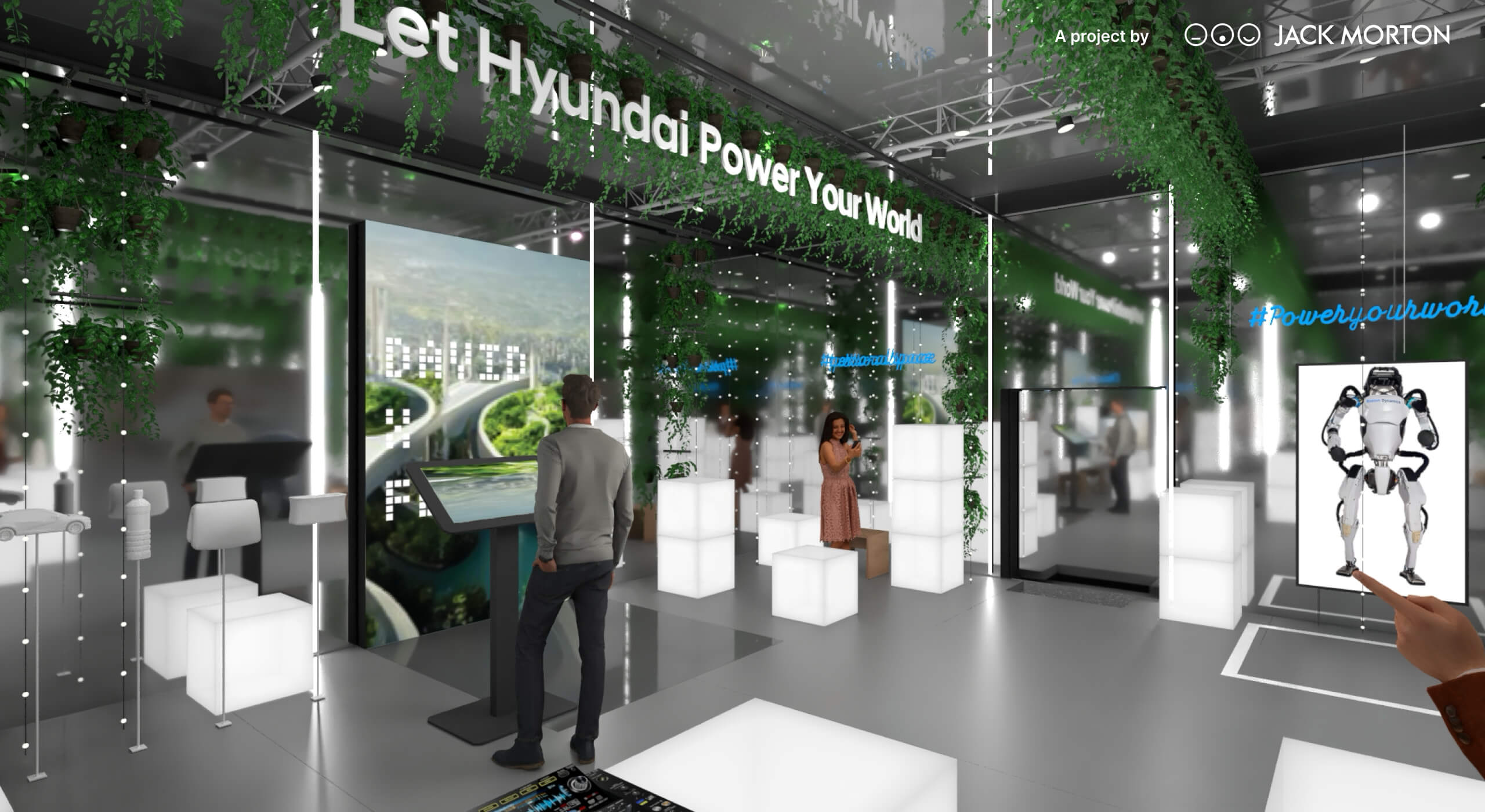
That was the question I was working on when Jack Morton and Hyundai asked Xfiner to design the interface and interaction layer for an immersive German roadshow experience.
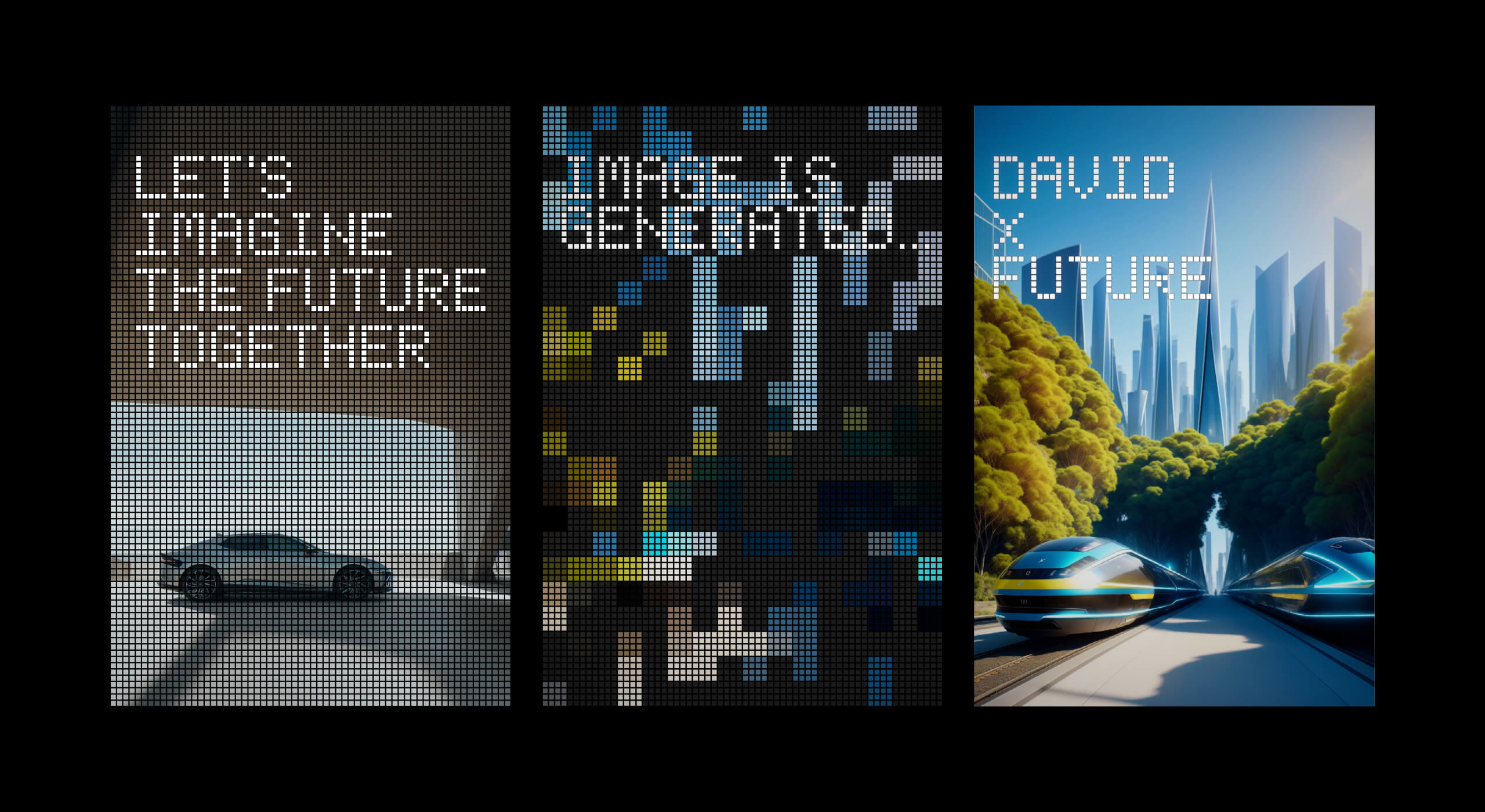
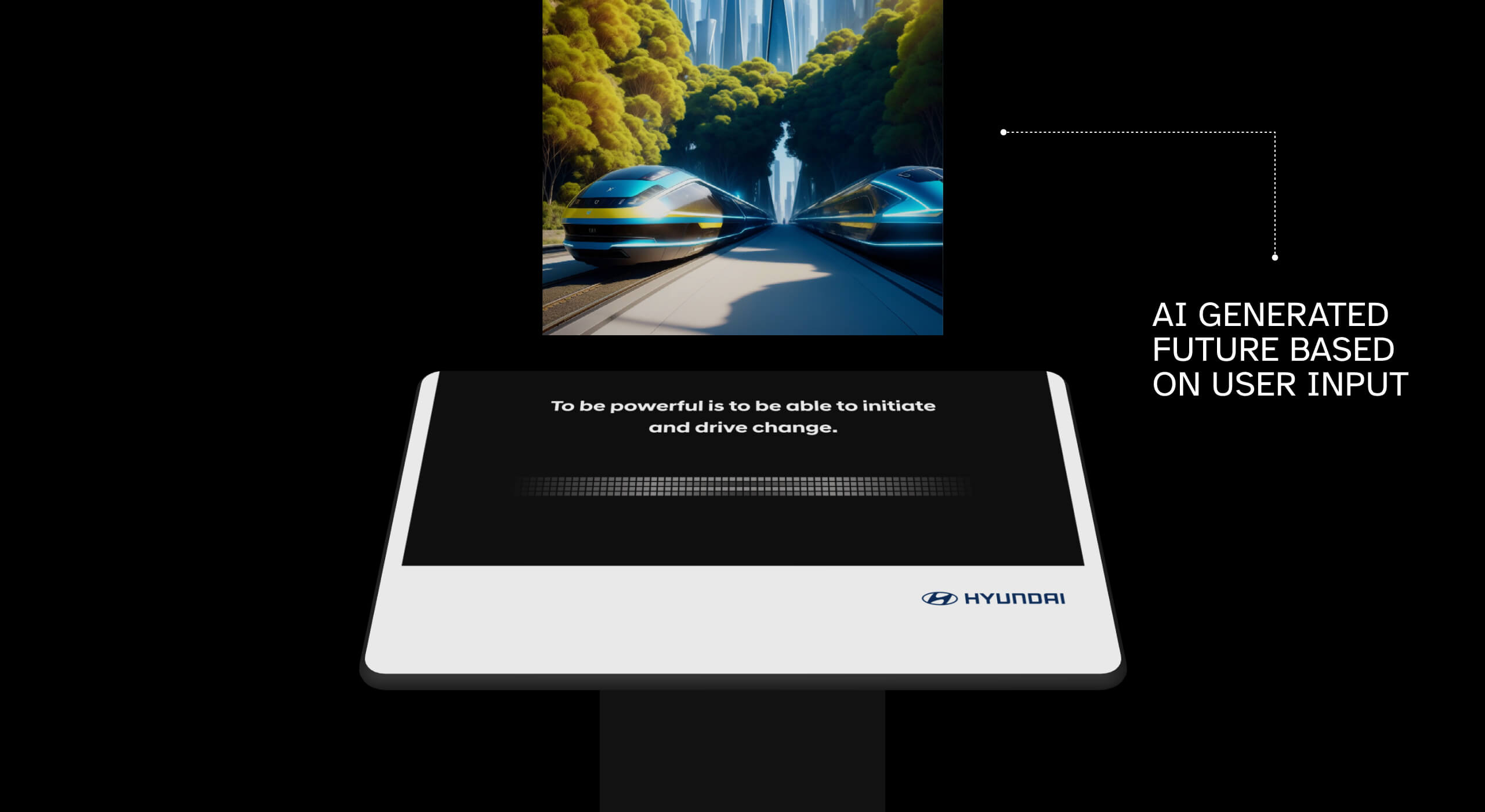
The project was not meant to be another static exhibition booth. It was designed to invite people into a personal vision of the future, using their own input to create a unique visual moment in real time.
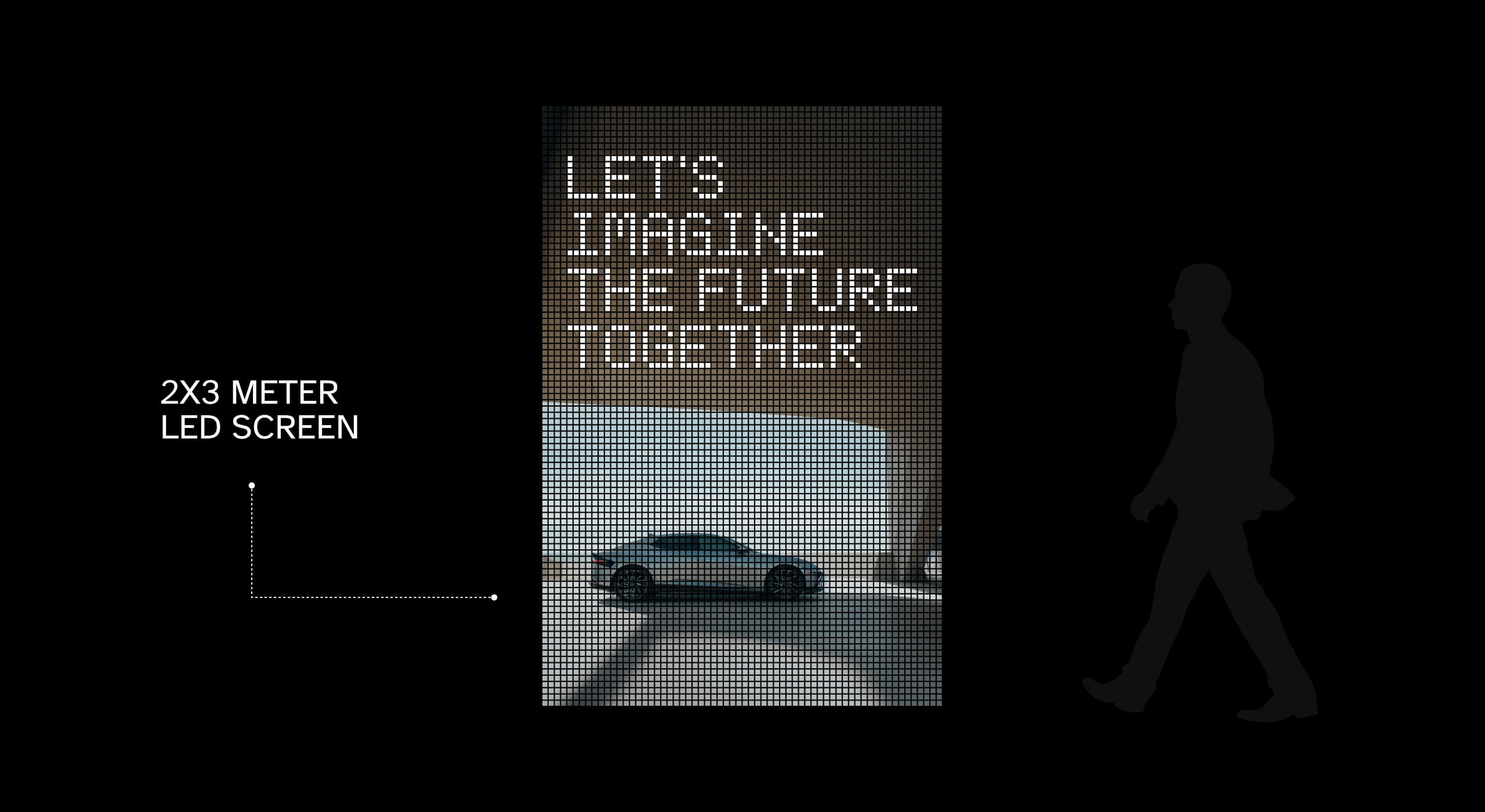
The experience was later premiered at CES in Las Vegas, where the scale of the installation made the interaction impossible to ignore.
The challenge
The installation brought several complex elements together in one public-facing experience:
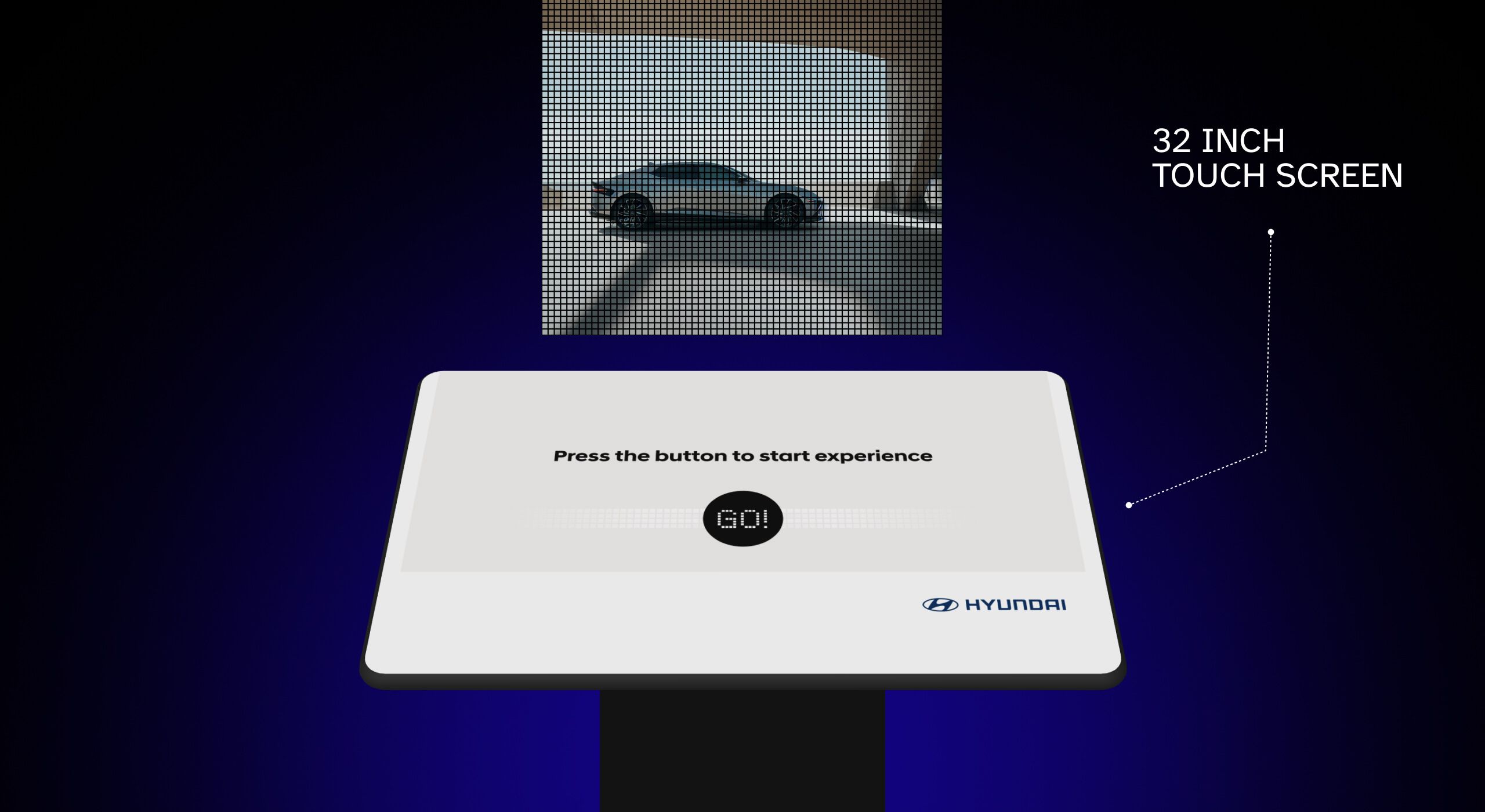
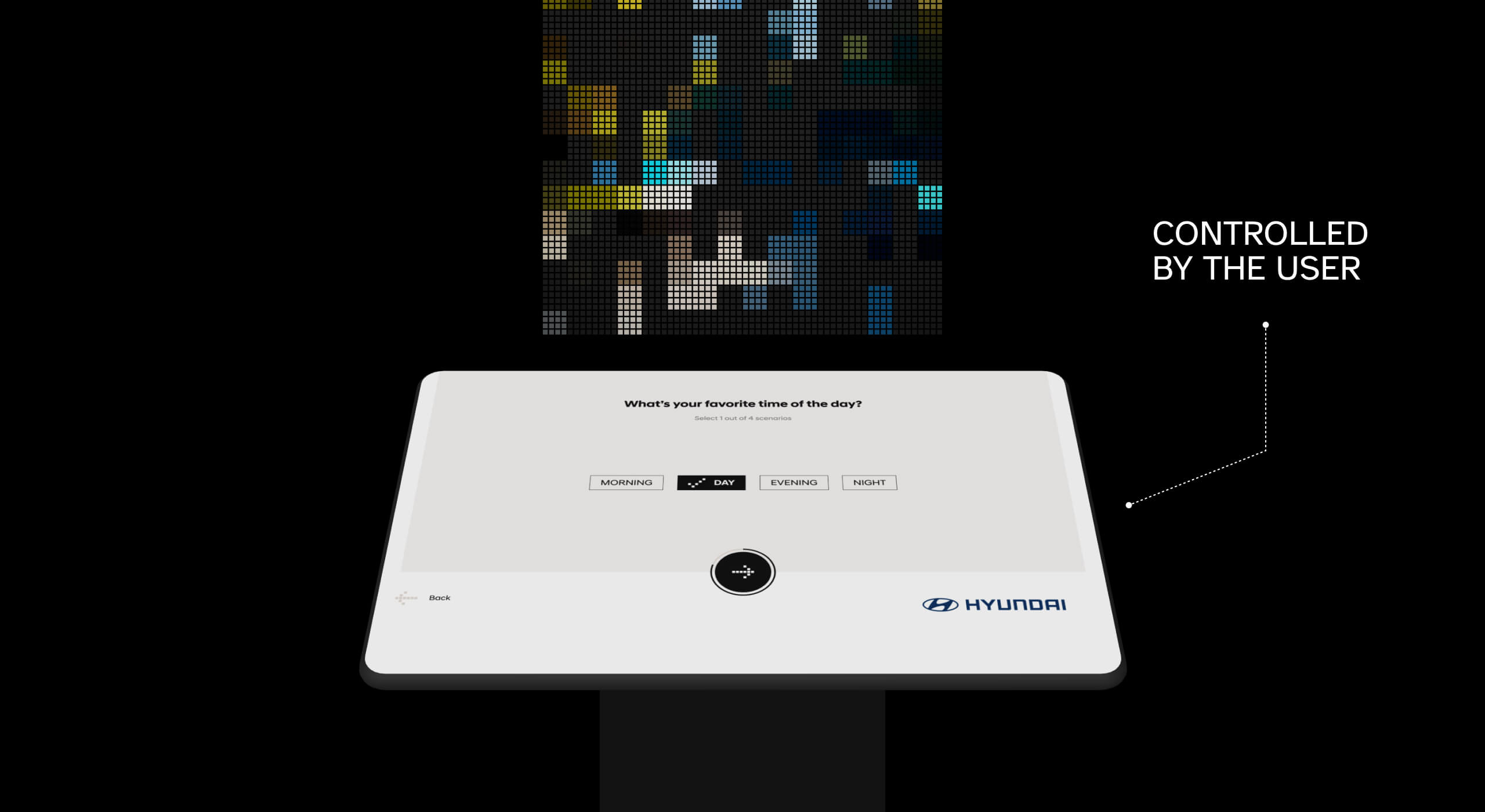
- A 32-inch interactive control screen
- AI-generated visual output
- A 2 × 3 metre LED wall
- Real-time interaction
- A roadshow environment with visitors arriving and leaving constantly
The experience needed to feel immediate, intuitive, and visually compelling. People had to understand how to participate within seconds, without a long explanation or a set of instructions getting between them and the experience.
At the same time, the interface had to control a visually spectacular AI-powered display system in real time. In a public installation, even a small usability problem can break the sense of wonder.
My job was to make the technology feel effortless.
Designing for participation
I worked with the Xfiner UX/UI team to create an interaction flow that people of different ages and levels of technical familiarity could understand almost immediately.
We focused on:
- Clear interaction flow
- Fast onboarding
- Visual clarity
- Immediate feedback
- Comfortable public-event usability
- A sense of personal involvement
The objective was not only to make the interface usable. It was to make people want to use it.
That meant reducing anything that felt like a barrier and giving each interaction enough visual response to keep people curious about what would happen next.
Turning input into a possible future
At the centre of the experience was dynamic visual generation powered by AI. Visitors interacted with the control screen and provided input that influenced the visual result displayed on the large LED wall.